
- Me gusta0
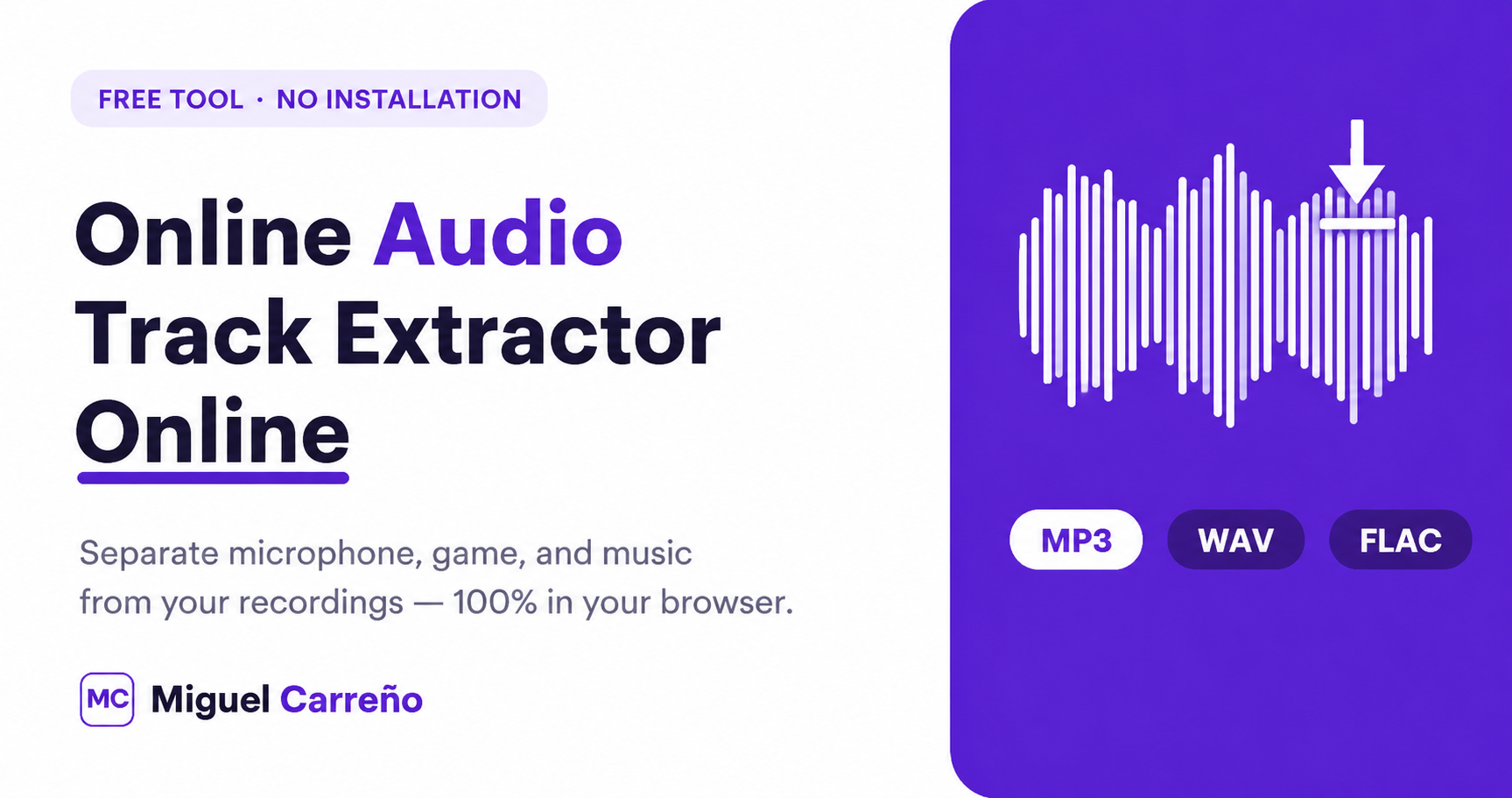
Recording is the easy part. The real challenge comes later, when you open your video and discover that the microphone, music, and sound of the game were trapped in a single file. That’s why I created a simple, fast, and privacy-friendly tool: a Online Audio Track Extractor that works entirely within your browser, without your video ever leaving your computer.
In this article, I explain what it does, how it works on the inside, and why it’s a safe alternative for content creators, publishers, and anyone who needs to separate audio from their recordings.
Extract free audio: Extract audio tracks from any video without uploading it to the internet
What is the Online Audio Track Extractor?
It is a free tool that allows you to get All audio tracks It is especially useful for those who record with OBS Studio, professional cameras, or editing software that stores multiple tracks within a single video.
Best of all, the processing occurs in a timely manner LocalYour file never travels to any server, making it a private, fast, and secure option.
How does it work? The magic of WebAssembly
The process couldn’t be simpler:
- Select or drag your video file.
- You agree to download the processing tool (the first time only).
- The browser analyzes the contents of the file.
- All available audio tracks are automatically detected.
- You download a specific track or all of them in MP3 format.
Behind that simplicity is a remarkable technology called WebAssembly, which allows you to run heavy processes directly in the browser at a speed close to that of an installed program. The reference project for this technology, ffmpeg.wasm, confirms it clearly: by running everything inside the browser, the security of your data is guaranteed because nothing is sent to a remote server. It is exactly the same principle with which this tool works.
Supported Video Formats
The tool supports a wide variety of video containers:
MP4 · MKV · AVI · MOV · MTS · M2TS · WebM · FLV · WMV · MPEG · TS
It also recognizes files that contain multiple audio tracks, which you can extract and download separately.
What audio formats can I get?
Depending on the configuration, tracks can be converted to different formats, the most common are:
MP3 · WAV · AAC · FLAC · OGG
If your goal is to edit the audio later, the format MP3 It offers an excellent balance between file quality and weight.
Important note: Audio tracks DTS This is not a whim: DTS is a proprietary codec with very restrictive licenses, and open-source tools cannot include its free-form decoding. We prefer to be honest with you rather than promise something that technically does not correspond.
Special for those who record with OBS Studio
If you record with OBS Studio, you’re probably using multiple tracks to separate your microphone, game, music, Discord, browser, or alerts. Official OBS guide, OBS saves all those clues inside A single video file, and common players only play one at a time. To really separate them, you need to run the video through an editor… or install FFmpeg and type commands into the console.
That’s where this tool comes in: it detects all those tracks automatically and allows you to download them separately, without installing anything or touching the command lineWhat used to take technical configurations is now solved in a couple of clicks.
Why process the video in your browser and not on a server?
Most online tools force you to upload the full video before you start. That means long waiting times, data consumption, possible size limits, and, above all, legitimate doubts about your privacy.
Our tool works differently. Processing occurs completely within the browserYour file never leaves your computer, which improves privacy and greatly reduces the time it takes to get your audio tracks.
Advantages that you will notice immediately
- You don’t need to install programs.
- Your video is never uploaded to the internet.
- Compatible with large files.
- It detects multiple audio tracks.
- Individual or complete download.
- It works directly from the browser.
- Ideal for OBS Studio.
- Compatible with Windows, Linux and macOS.
Start extracting your audio right now
I created this tool with the intention of making your job easier and taking care of something that many services ignore: your privacy. With God’s blessing, I will continue to develop free, useful, and transparent resources for the creator community.
👉 Try the extractor here: Extract audio tracks from any video without uploading it to the internet
If you found it useful, share it with that friend who edits videos or livestreams. Sometimes, a simple tool is just what it takes.