
Turn your cell phone into a silent trap against the thief.
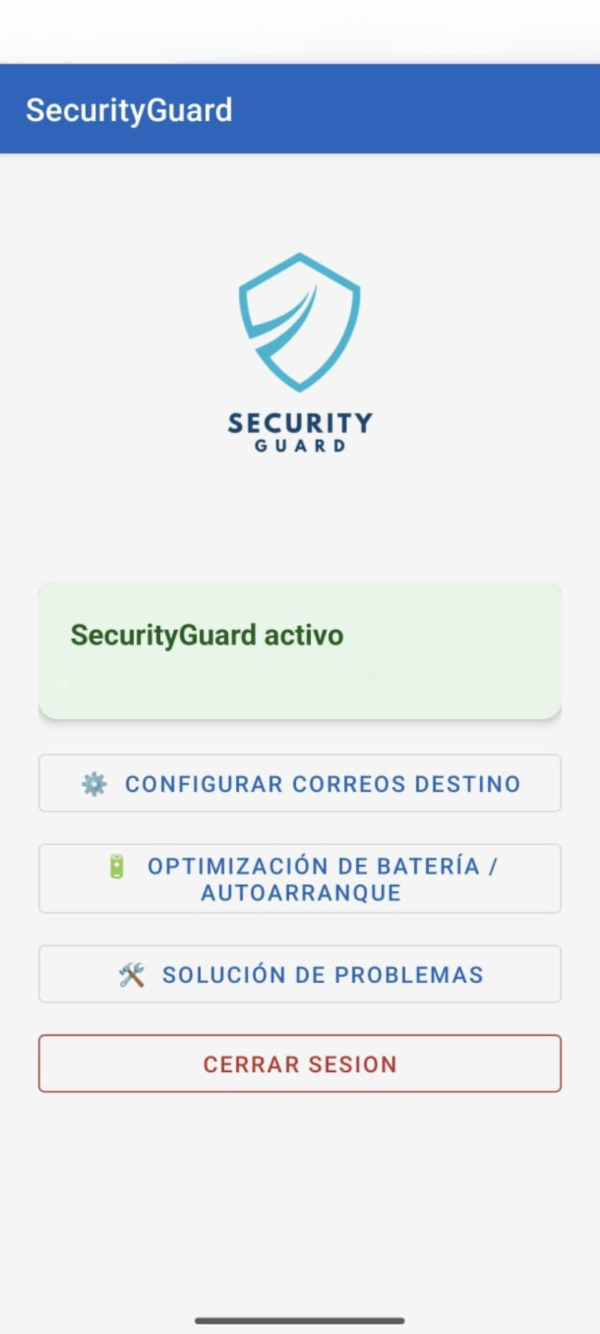
If someone misses your PIN or pattern, SecurityGuard activates itself and captures your photo, audio, and exact location — without them noticing.
Every year millions of cell phones are stolen and almost no thieves are identified.
Without proof, recovering the equipment — and the data inside it — is nearly impossible.
The victims have no way of knowing who it was.
No physical evidence of the theft remains.
The police cannot act without evidence.
The cell phone is lost forever, with your photos, contacts and data.
SecurityGuard changes that: Turn your own cell phone into a silent trap that captures the thief with photo, audio and exact location.
What it records in the event of unauthorized access
As soon as someone misses the PIN or pattern, it is instantly activated and saves all the evidence.
Front photo
The face of the one who tries to enter.
Back photo
The environment where the team is.
1-minute audio
What is said around.
GPS Location
Coordinates and exact address.
Date and time
The precise moment of the attempt.
All in absolute silence. The thief never finds out that he is being recorded.
Your data goes only where you say it is.
- They are uploaded to a folder “Security incidents” in YOUR Google Drive.
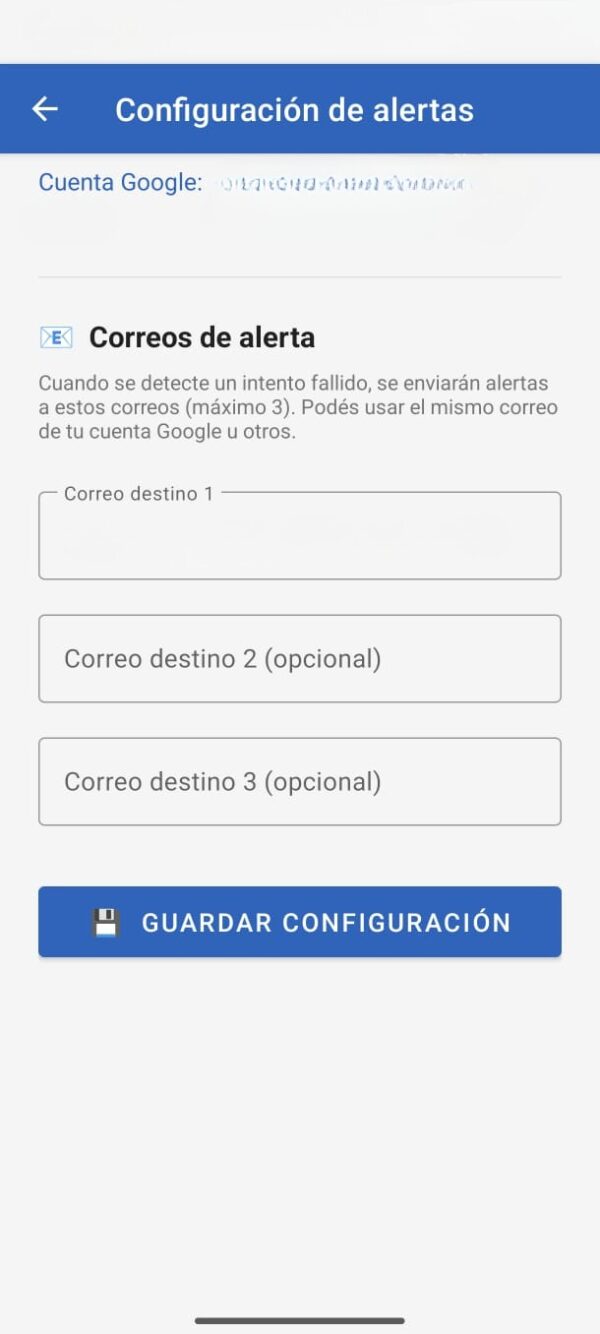
- Immediate alert mail to up to 3 people That you choose.
- Everything is organized by date and device.
- The developer DOES NOT store, DO NOT view and DO NOT access Not at all.
Everything it does, without you having to touch anything
Automatic detection
It works on its own after installation.
Silent capture
The intruder never finds out.
Dual camera
Front and rear at the same time.
Ambient audio
A full minute of what is said.
Accurate GPS
Exact address via Google Maps.
Multiple alerts
Up to 3 people notified instantly.
It works 24/7
Always active in the background.
It reactivates itself
Even if they restart the cell phone.
Fingerprint or PIN lock
Only you can open the app.
When does it really serve?
Robbery on the street
They rip it off from you, they fail to open it and you already have its photo and where it is.
Robbery at the bar or party
Someone grabs him and you are left with evidence of who he was.
Curious people nearby
If someone tries to spy on you, you find out with a photo included.
Theft from family members
Install it in the cell phone of your parents, children or grandparents.
Loss of cell phone
If they find it and try to access it, you know where it is.
How it differs from other apps
100% private
No intermediary servers: We do not collect or sell data.
Ad-free
Zero ads, zero distractions.
No tracking
No Facebook Pixel, AdMob, or tracking systems.
Your data is yours
Everything stays in your Google Drive, you control them.
Real Security
Designed by people who understand, not a generic copy-paste.
How is it installed?
Download SecurityGuard from the Google Play Store.
Log in with your Google account, the one in the Drive where you want to save the tests.
Set up to 3 emails where you want to receive alerts.