
- Me gusta0
Affinity has become one of the leading professional alternatives to Adobe Creative Cloud. Following Canva’s acquisition of Serif on March 26, 2024, the suite evolved to unify Affinity Photo, Affinity Designer, and Affinity Publisher into a single application, allowing you to work with photo editing, vector illustration, and layout from a single program using a Canva account
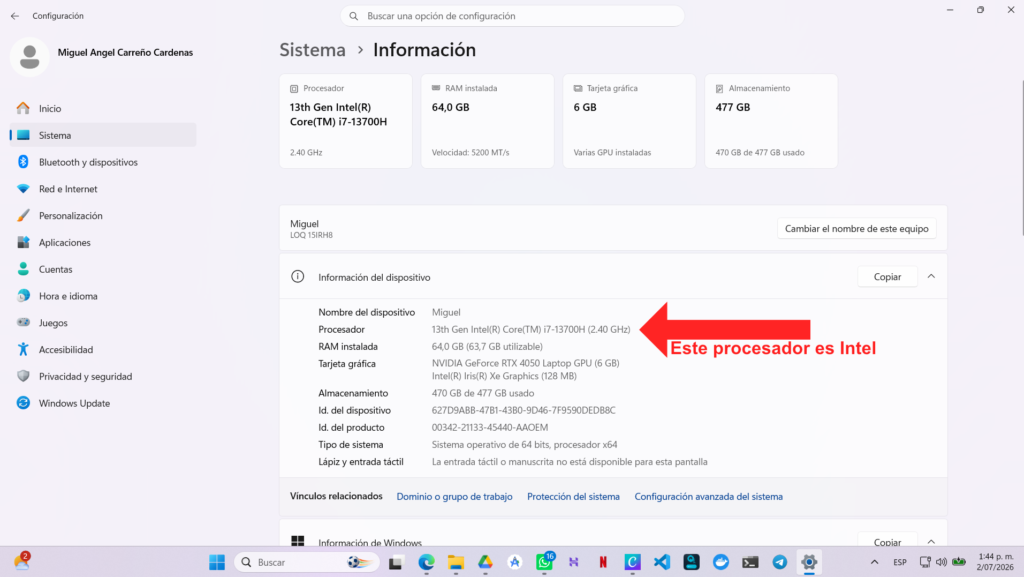
- First, check what architecture your processor is.
- Go to the URL: Download Affinity | Free Pro Design Software Optimized for Mac and Windows
- Click “Download” and select Enterprise (depending on your processor architecture)
- Run the installer.
- Select the folder where you want to install the program, you can leave it as it is and click “Continue”.
- After that, the program will do the rest and ask you for the Canva account you’ll need to log in with.
The Affinity app brings together the functions of Affinity Photo, Affinity Designer and Affinity Publisher in a single program. From a single interface, you can edit photos, create vector illustrations and design professional publications.
This new version replaces the old distribution of standalone applications and allows the suite to be used by logging in with a Canva account, becoming one of the main alternatives for professional graphic design, illustration and photo editing.
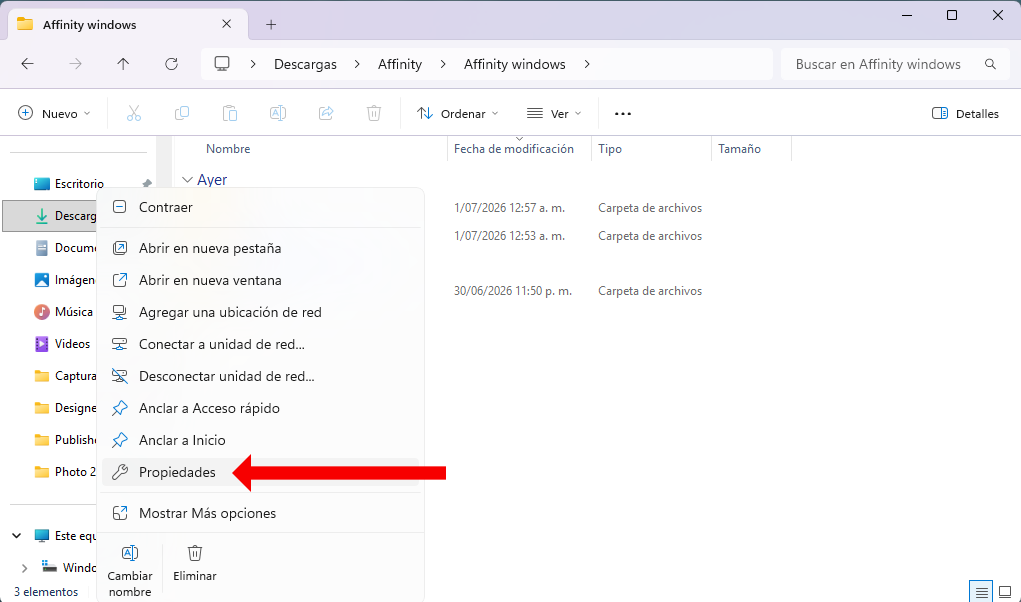
How can I see what architecture my processor is? (On Windows)
You should open the File Explorer on your computer. Then, right-click on This team (the My Team, depending on the version of Windows) and select PropertiesIn this window, you will be able to see the installed processor and whether the system is 64-bit or 32-bit. Currently, the vast majority of computers use 64-bit processors.

What will happen to my programs purchased from Affinity?
At this time, these purchased programs are current and their licenses are active. Depending on the terms of use, Canva may modify or withdraw the availability of downloads in the future, and may deactivate downloads when it chooses to stop offering them.
What will happen to my installed programs?
If you already have the programs installed and licensed, you will be able to continue using them without any problems, since they were purchased under a lifetime license. Even so, it is advisable to keep a copy of the installers, the license and the proof of purchase in case in the future they are no longer available for download.
Where can I see my purchased Affinity programs?
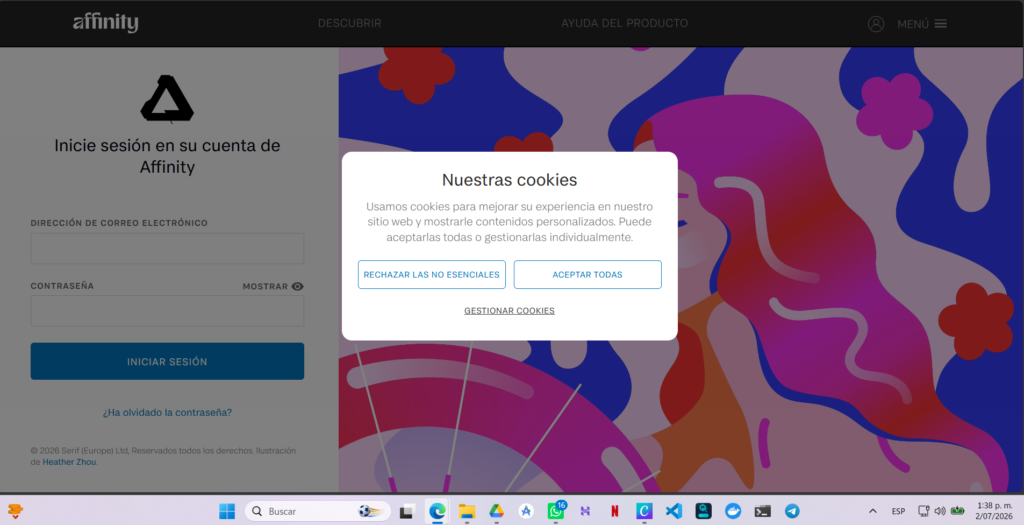
The Affinity website was redesigned since Canva’s purchase, but you can still log in and download your purchased programs at: Log in to your Affinity account