
- Me gusta0
Need to share files without signing up? With this tool, you can upload documents, images, videos, and other files in seconds. The files are preserved in their original quality, you don’t need to create an account, and the link is automatically removed after 8 hours.
- First open the URL of the tool: Free Online File Sharing | 8-Hour Temporary Links.
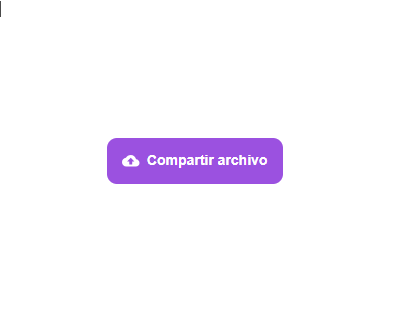
- Find the share file button and click on it.
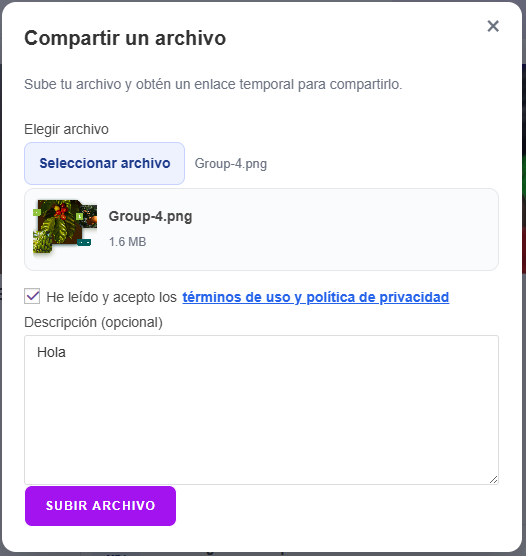
- In the modal, click Select file.
- You read and agree to the terms of use and privacy policies.
- Give it a description if you wish, it is not mandatory.
- Click now to upload, the tool will evaluate if the file is valid and ready.
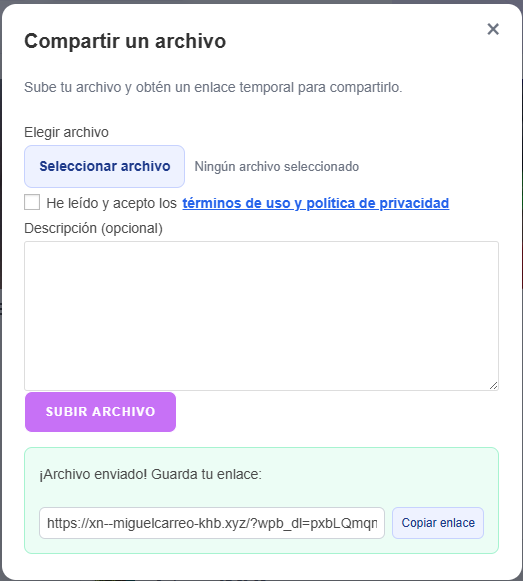
- Share the download link that the tool will provide you.
I created this application because in my work we share many files and the images in WhatsApp lose resolution when they are very long and heavy as well as short videos. I was always asked for different changes on the images but my colleagues could not see the correct resolution which forced me to zip everything I shared on WhatsApp, other file managers to share asked me for the origin and destination email of my co-workers stealing execution time and others like Google Drive allowed me to upload and share immediately but I had to delete everything, and with this we can share files and simply not worry about deleting.
How to share files without signing up?
Simply open the URL of the tool and look for the Share File button, then click on the button to open a dialog window.
How to upload a file?
When you click the select file button, it will allow you to select one from your device (document, video, image, zip), but it cannot exceed the 120 MB allowed per file, as well as its format cannot be altered because if the system detects it, it will give an error when trying to load the file.
How to share the link with someone else?
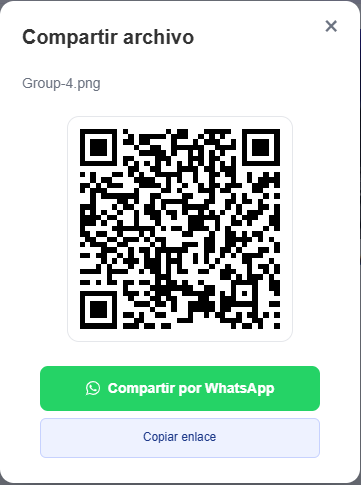
Once the document is uploaded, it will provide you with a link that you can copy and send by the means you like best, when you close the modal you will be able to see the list of your shared files which you can share and this will provide you with a QR code which you can scan to get the link on your device or you can click on the WhatsApp button so that it opens the app and can share the link.

How long does the file remain available?
The shared document has an expiration time of 8 hours, you can see the remaining time in the shared files section.
Is quality lost when sharing files?
The tool does not compress what you upload so it will not lose resolution.
How to delete shared documents?
To delete a shared file, simply go to the list of shared files and delete it or you can leave it alone until it expires and it deletes the file with its link.
Now you know how to share files without signing up and without losing quality. If you need to send documents, photos, or videos quickly, you can use our free tool.